


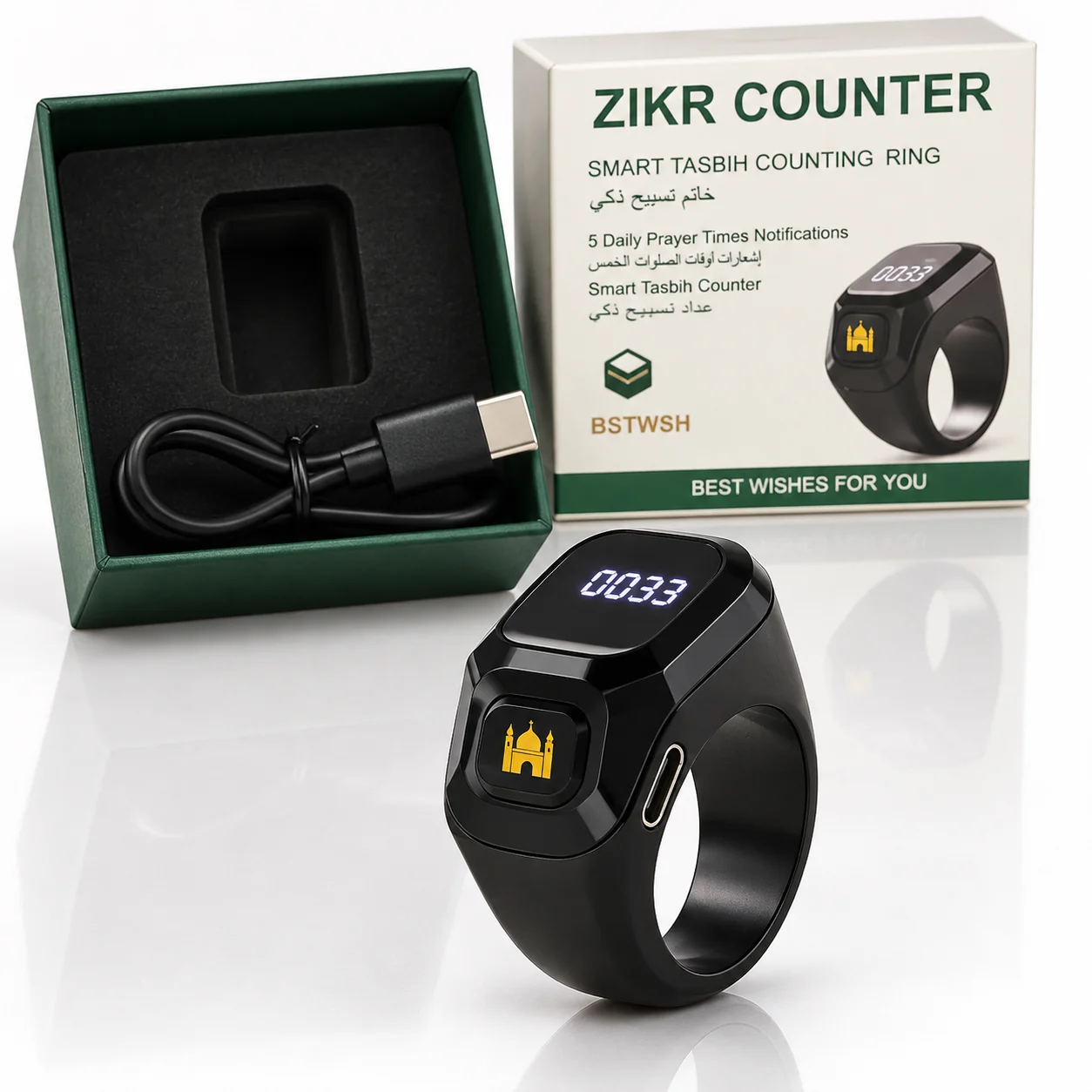
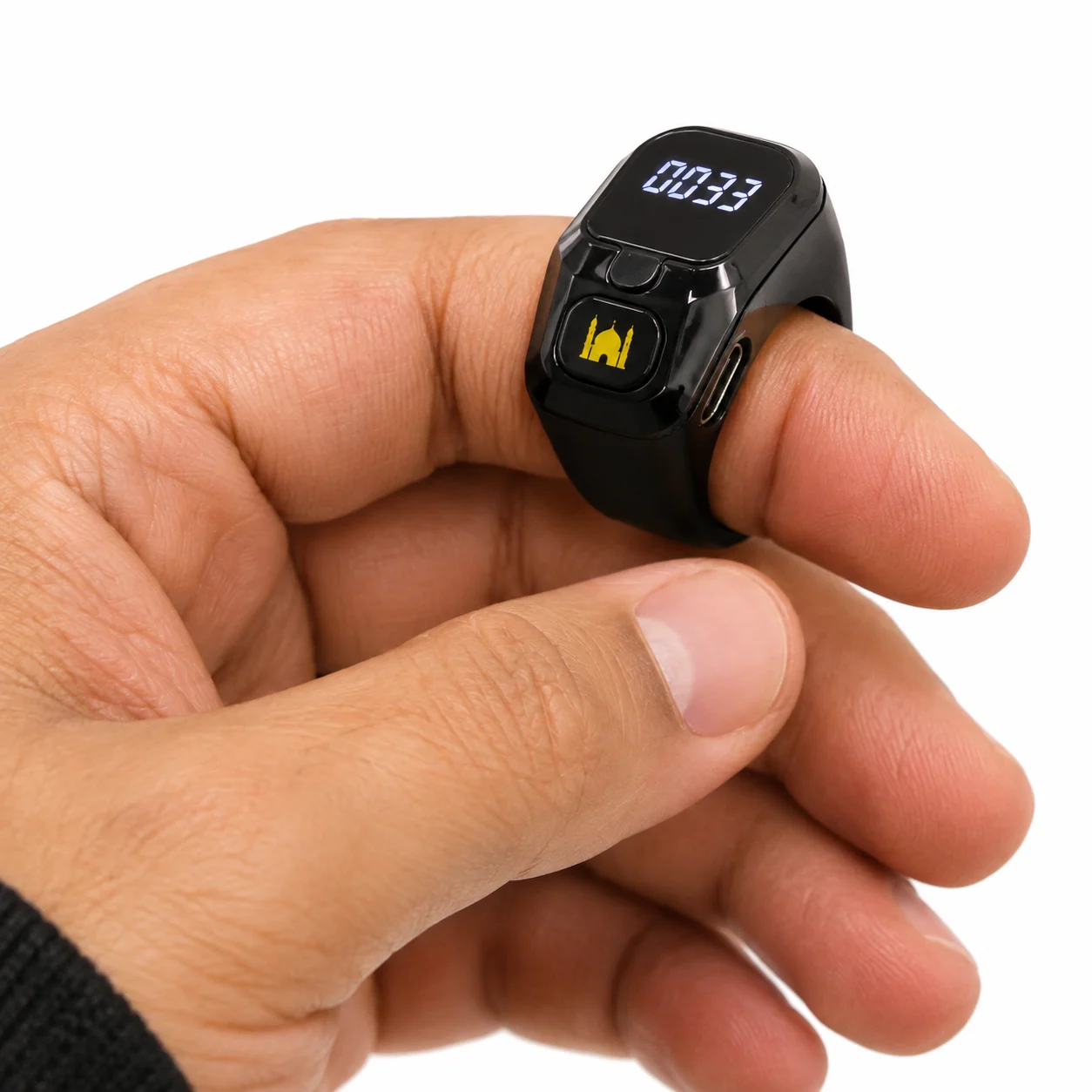
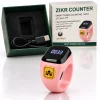
BSTWSH Zikr Smart Tasbih Ring – Black

750.00 EGP
Shop Authentic BSTWSH Zikr Smart Tasbih Ring – Black
at NUVA. Fast Delivery Across Egypt. Cash on Delivery.
Looking for the BSTWSH Zikr Smart Tasbih Ring – Black in Egypt? A smart tasbih ring that counts your dhikr, shows the time and reminds you of prayer times.
BSTWSH Zikr Smart Tasbih Ring – Black in Egypt
Press the button to count your tasbih on the OLED display — the ring vibrates once at 33, 66, 99 and 100 so you can keep track without looking. Pair it with the free BST Life app to get prayer-time and tasbih reminders and to sync your count history. Limited stock available.
Product details
- Brand: BSTWSH (original)
- Display: OLED — shows the time, battery, Bluetooth status and tasbih counter
- Tasbih counter: vibrates at 33, 66, 99 and 100; resetting saves your last count
- Reminders (via the app): prayer times and tasbih reminders
- App: BST Life (iOS & Android), connects by Bluetooth
- Extras: Find my ring (vibrates for 10 seconds), screen flip, multi-language
- Battery: About 3 days, USB charging
- In the box: Smart ring, USB charging cable, user manual (Arabic/English), warranty card
- Ring size: 18
- For: Men & Women
- Condition: Brand new
- Delivery: Fast delivery across Egypt
What the BST Life app does
- Prayer-time reminders: turn them on in the app and sync, and the ring reminds you at each prayer time.
- Tasbih reminders: the ring reminds you to do your tasbih.
- Count history: when you open the app, your tasbih counts sync from the ring automatically.
- Find my ring: tap it in the app and the ring vibrates for 10 seconds.
- Screen flip: set the display direction to match the hand you wear it on.
- Language: change the ring’s language from the device settings.
How to use
- Short press: wakes the screen. Before pairing, the main screen is the counter; after pairing, it shows the time — short press again to open the counter.
- Long press for 3 seconds: resets the count and saves your last record.
- When the counter is at zero, a long press shows the ring’s Bluetooth address.
How to pair with the app
- Download BST Life from Google Play or the App Store and turn on Bluetooth.
- Allow location access (while using the app) and access to nearby devices.
- Tap “Switching devices”, add a device and select BST02.
- Long press the ring for 3 seconds to show its Bluetooth address, then select the matching device to complete pairing.
Charging
Connect the cable to the ring’s charging port and to a USB adapter or computer. An animation shows while charging and stops when it’s full. Make sure the charging port is clean and dry before charging.
Browse more tech & gadgets and men’s accessories or the wider NUVA Store, or read more about the tasbih.
| Size | 18 |
|---|---|
| Authenticity | Original |
Be the first to review “BSTWSH Zikr Smart Tasbih Ring – Black”
Related products


Reviews
There are no reviews yet.